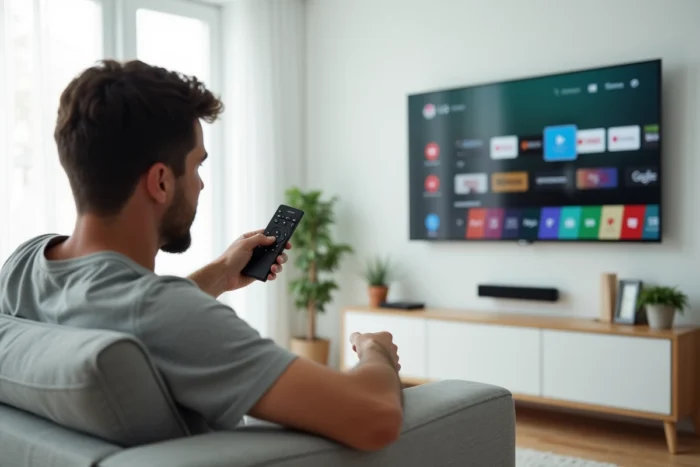
LG Smart TVs run on webOS, a proprietary operating system developed by LG. The Google Play Store, on the other hand, is designed exclusively for devices running Android or Google TV. The question keeps coming up on forums: can you install the Play Store directly on an LG TV? This gap between user expectations and the technical reality of webOS warrants a precise analysis of the available options.
WebOS and Android TV: compatibility of operating systems
| Criterion | WebOS (LG TV) | Android TV / Google TV |
|---|---|---|
| App Store | LG Content Store | Google Play Store |
| APK Installation | Not natively supported | Possible via unknown sources |
| Native Play Store Access | No | Yes, pre-installed |
| Guaranteed OS Updates | Up to 4 major updates over 5 years (WebOS Re:New program) | Variable by manufacturer |
| Software Architecture | Based on Linux (WebOS) | Based on Android (AOSP) |
This table summarizes the fundamental point: webOS and Android are two incompatible ecosystems. The Play Store cannot function on a system that is not Android, and no simple software manipulation changes this architectural constraint.
Many online tutorials promise an installation of the Play Store on LG TVs. In practice, an APK file (the format for Android applications) simply cannot run on webOS. The system’s structure, software libraries, and APIs are different. Trying to load an APK on an LG TV is like trying to install a Windows program on a Mac without a compatibility layer.
To delve deeper into the various methods and their limitations, a guide to installing Play Store on LG TV details each step and the concrete results one can expect.
LG Content Store: what the native store actually offers
The LG Content Store is the only official source of applications for TVs running webOS. Access is directly from the LG TV home screen, without additional setup.
The most requested applications are already available: Netflix, Disney+, Amazon Prime Video, YouTube, Apple TV+, Spotify, and Molotov. The catalog covers the majority of video and audio streaming uses.
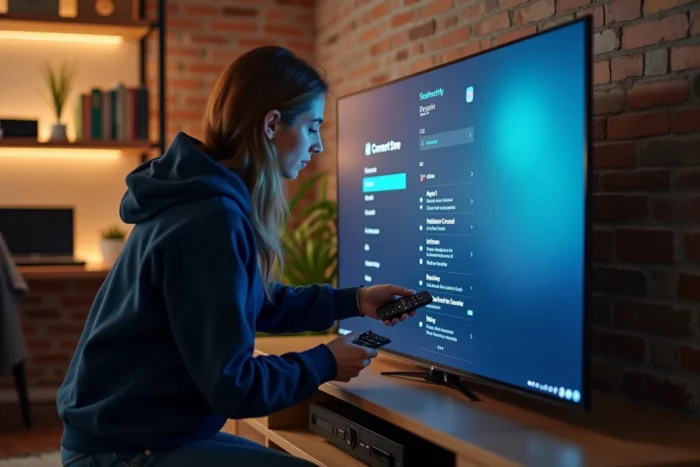
Searching and downloading go through an interface specific to LG. From the home screen, the Apps section provides access to the store. A search bar allows you to find an application by name, and installation starts with a single press of the remote control.
However, the catalog of the LG Content Store remains more limited than that of the Google Play Store. Some niche applications, games, or tools specific to Android are not available. This lack often drives users to seek an alternative solution.
Applications missing from the LG Content Store: common cases
- Some IPTV services or third-party media players popular on Android do not have a webOS version
- Home automation or automation applications designed solely for the Google ecosystem
- Mobile games ported to Android TV but never adapted to webOS
This limitation explains the persistent demand for the Play Store on LG TVs, even if the technical answer remains the same.
External Android TV box: the only functional alternative for the Play Store
Since webOS cannot run the Play Store, the only reliable method is to connect an external Android TV or Google TV box to an HDMI port on the LG TV. This is the solution that actually works, unlike the supposed software hacks.
Several boxes on the market come with Google TV and the Play Store pre-installed. Once connected, the LG TV serves as a display, and the entire Android application environment becomes accessible.
Criteria for choosing an Android box for LG TV
- Google certification (official access to the Play Store, regular security updates)
- Supported resolution (4K HDR recommended to fully utilize an LG OLED or NanoCell screen)
- Connectivity (dual-band Wi-Fi, Bluetooth for controllers or keyboards, Ethernet port for a stable connection)
- Compatibility with voice assistants (integrated Google Assistant on certified models)
Installation is straightforward: plug the box into HDMI, select the corresponding source on the LG TV, and configure the Google account. The Play Store then appears on the LG TV screen just like on any Android device.
This approach has an additional advantage: it does not alter the webOS system of the TV. Applications from the LG Content Store remain accessible by simply switching the HDMI source. The two ecosystems coexist without conflict.
WebOS Re:New program and evolution of the LG catalog
LG has launched the WebOS Re:New program, which guarantees for certain recent models up to 4 major updates of webOS over 5 years. This policy changes the perspective for users who were considering bypassing webOS.
With regular updates, the LG Content Store is gradually enriched with new applications. LG’s strategy aims to sustain its own ecosystem rather than open its TVs to Android. For users, this means that the webOS application catalog should continue to expand over time with updates.
The choice between waiting for an application to arrive on the LG Content Store and investing in an external box depends on the number of missing applications and their frequency of use. For one or two absent services, patience may suffice. For heavy use of specific Android applications, the box remains the most pragmatic answer.
Installing the Google Play Store directly on an LG Smart TV is not feasible due to the incompatibility between webOS and Android. The LG Content Store covers the main streaming services, and the WebOS Re:New program strengthens the longevity of the catalog. To access the Play Store on an LG TV screen, an Android TV box connected via HDMI remains the only method that works without compromise or risk to the television.